

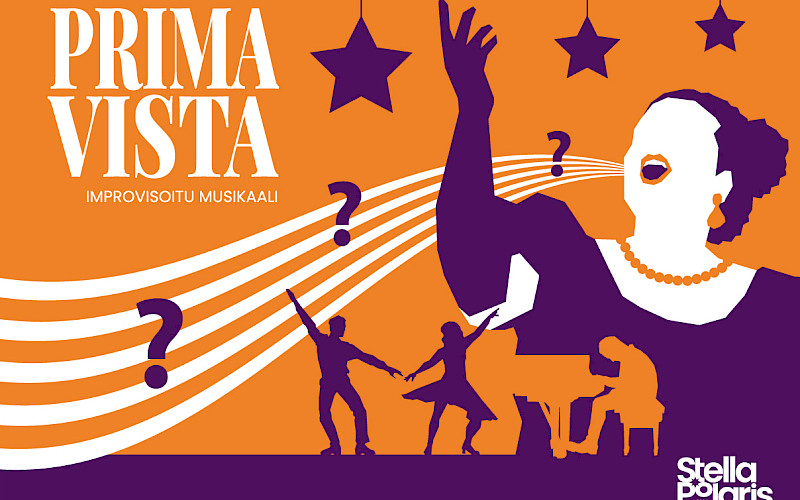
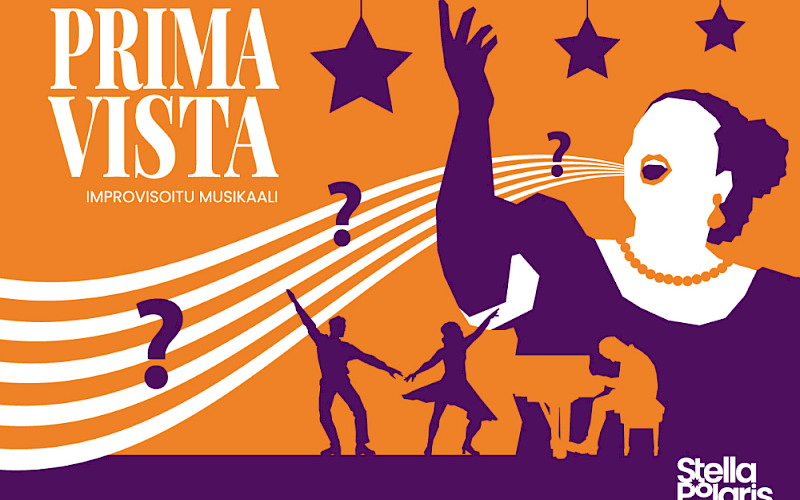
Prima vista -improvisoitu musikaali
Stellalaiset















Tilausesitykset




Stella Polaris
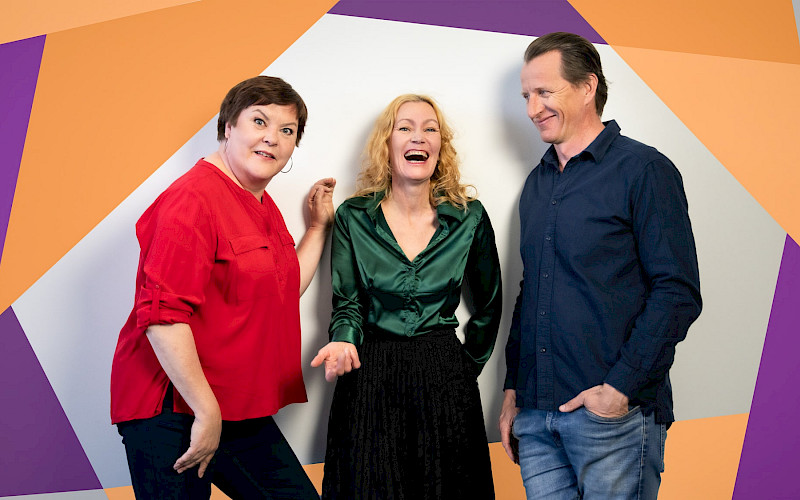
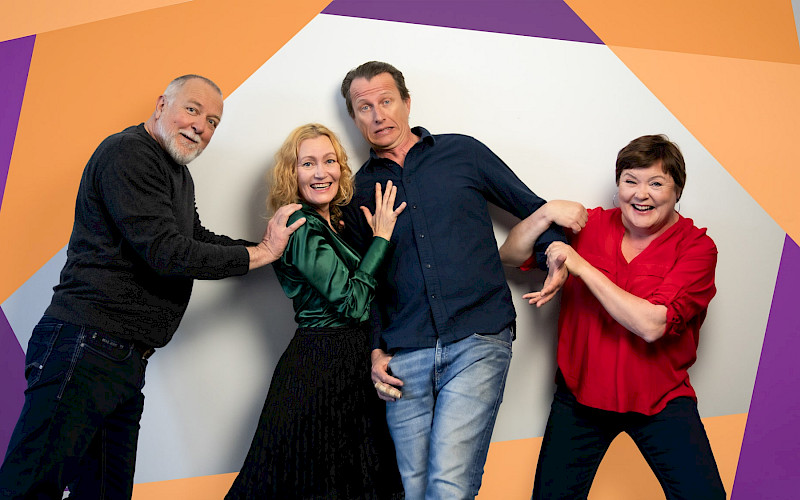
Improvisaatioteatteri Stella Polaris on vuonna 1990 perustettu yhdistys, jonka jäsenet ovat esiintymisen ja improvisoinnin ammattilaisia. Ryhmä koostuu intohimoisista ja uskaliaista näyttelijöistä, muusikoista ja valosuunnittelijoista. Yhdistys työllistää toiminnanjohtajan ja tuottajan.
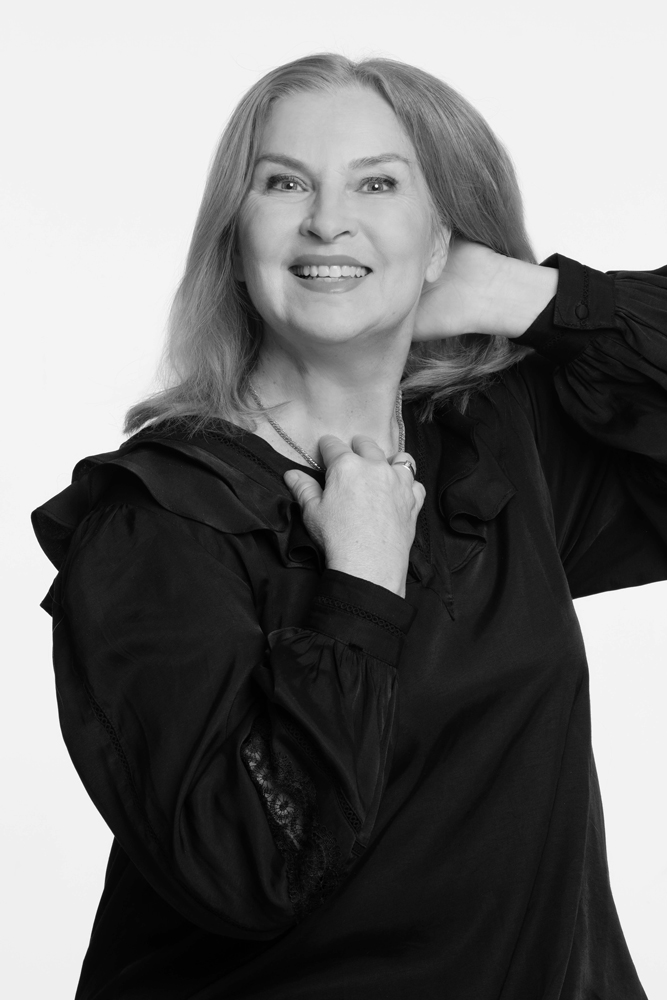
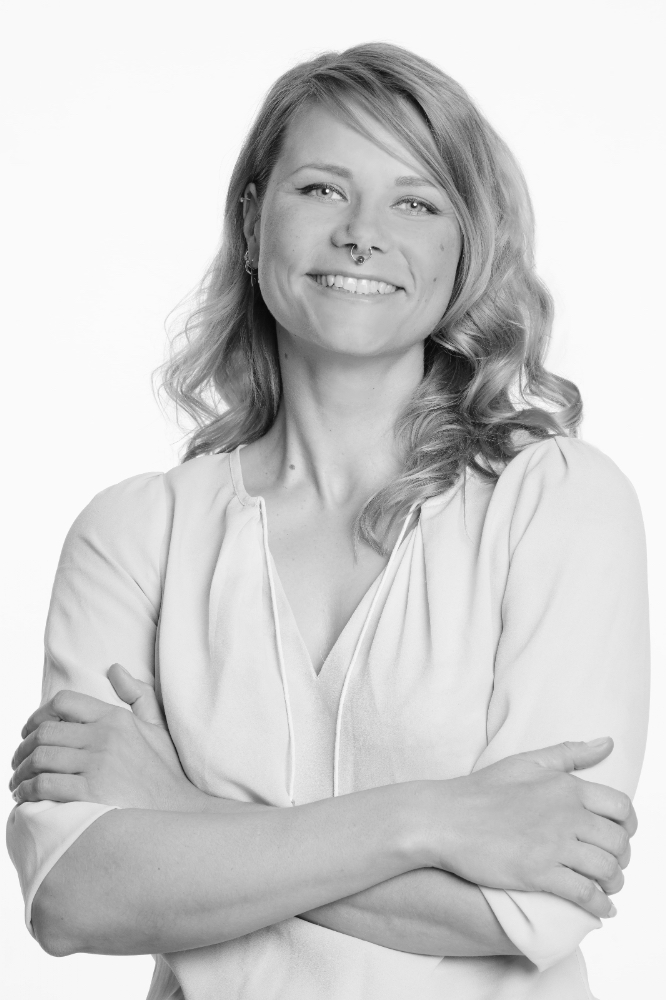
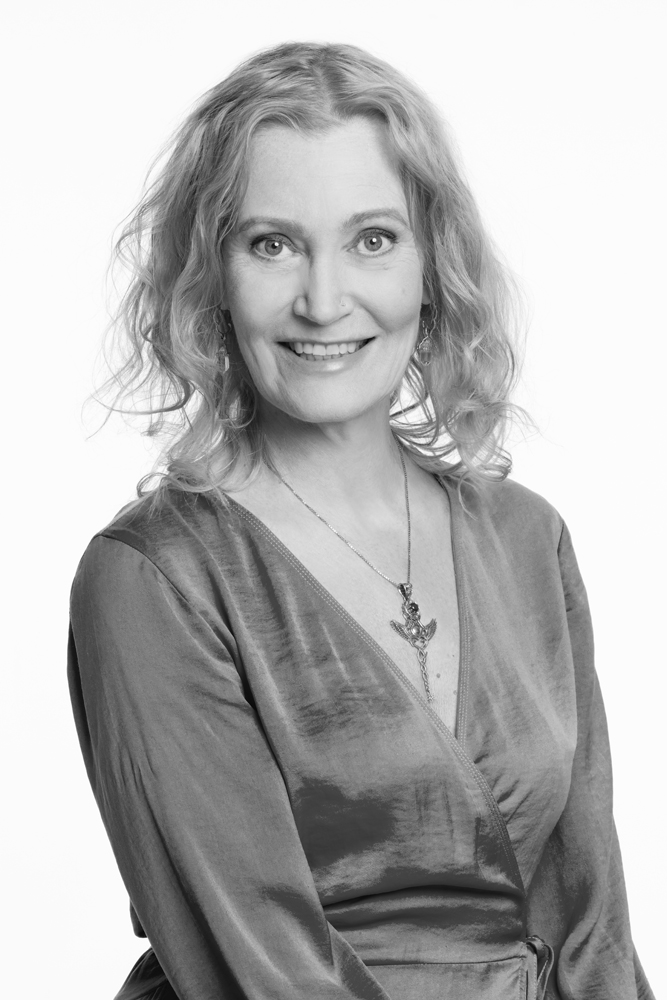
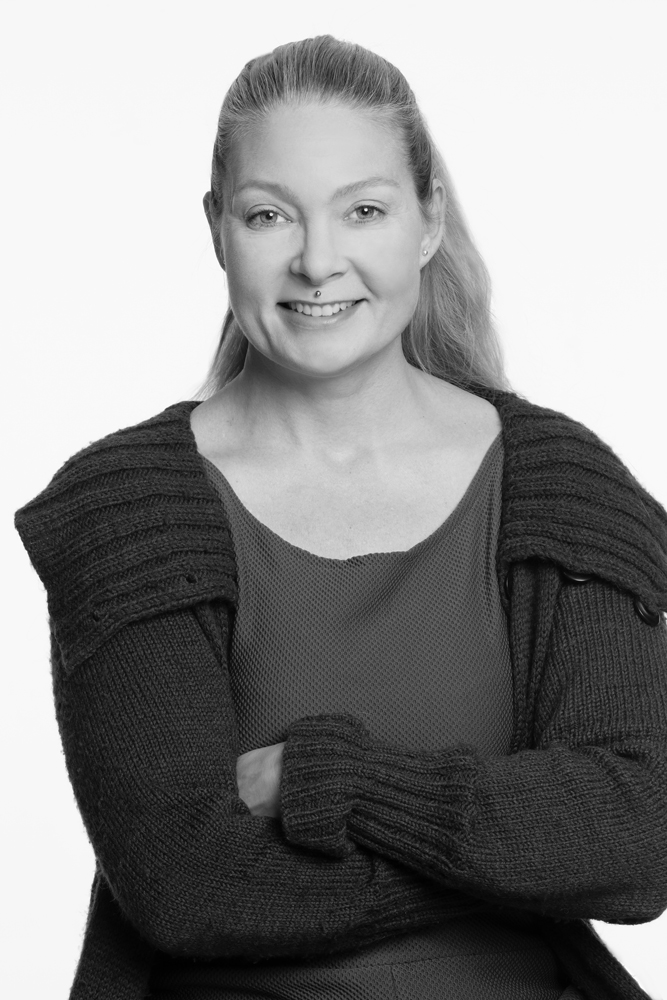
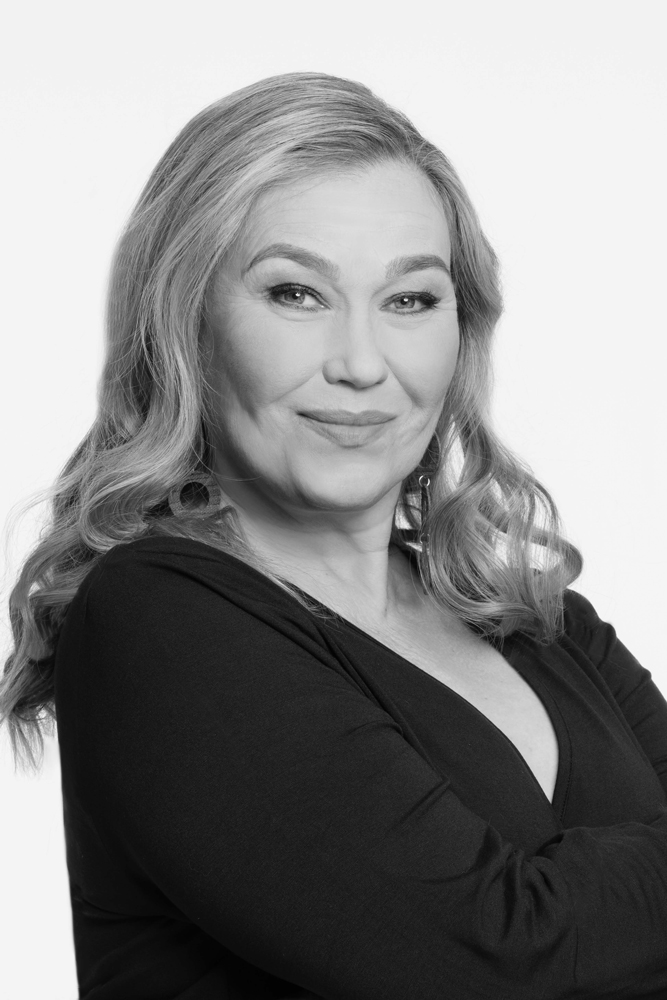
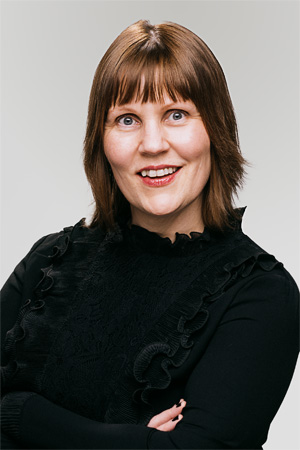
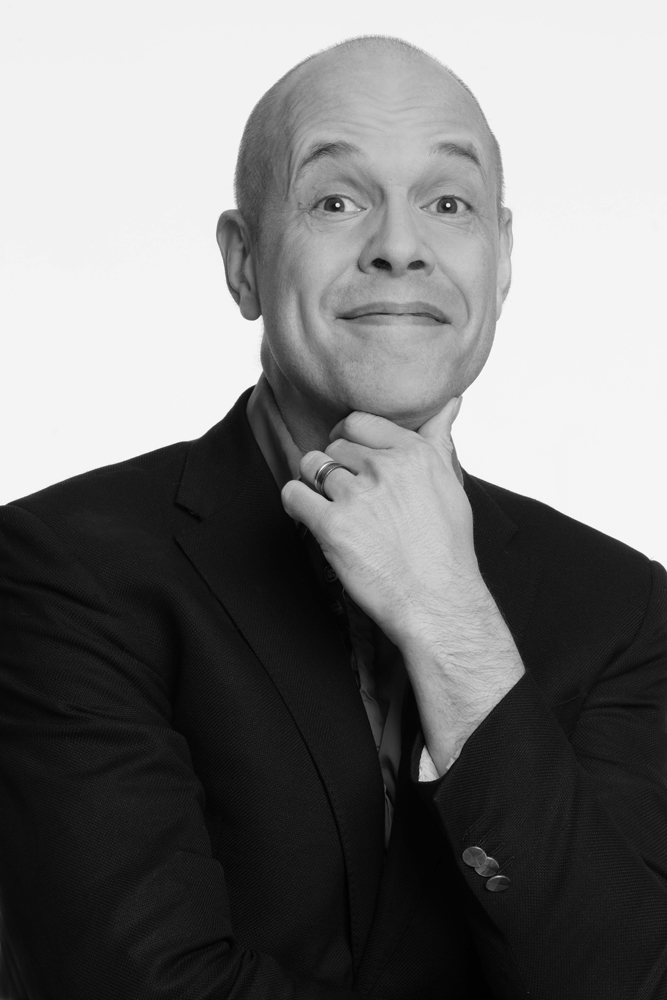
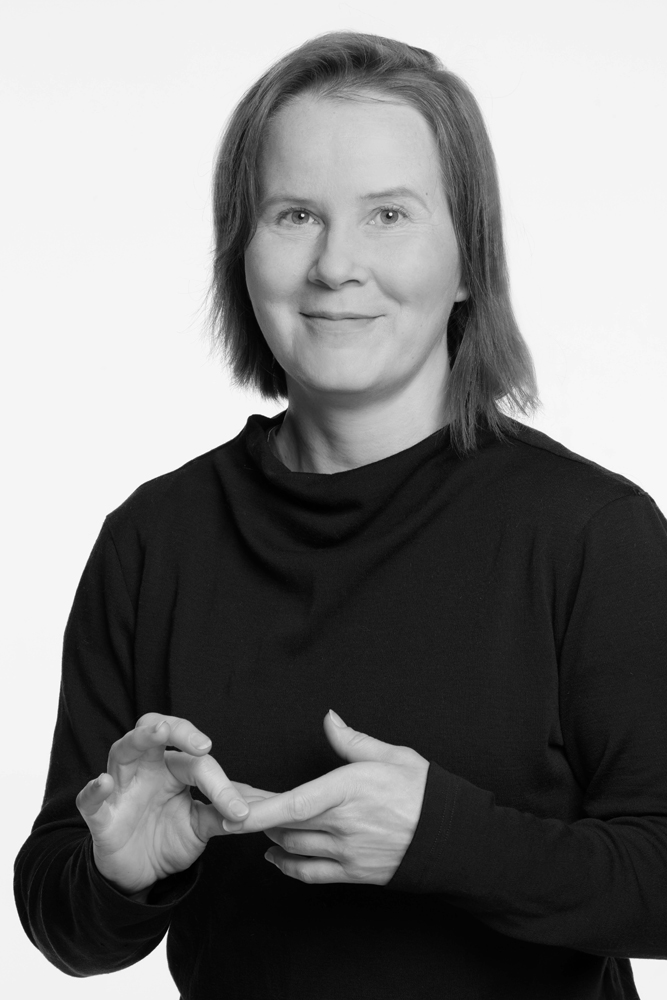
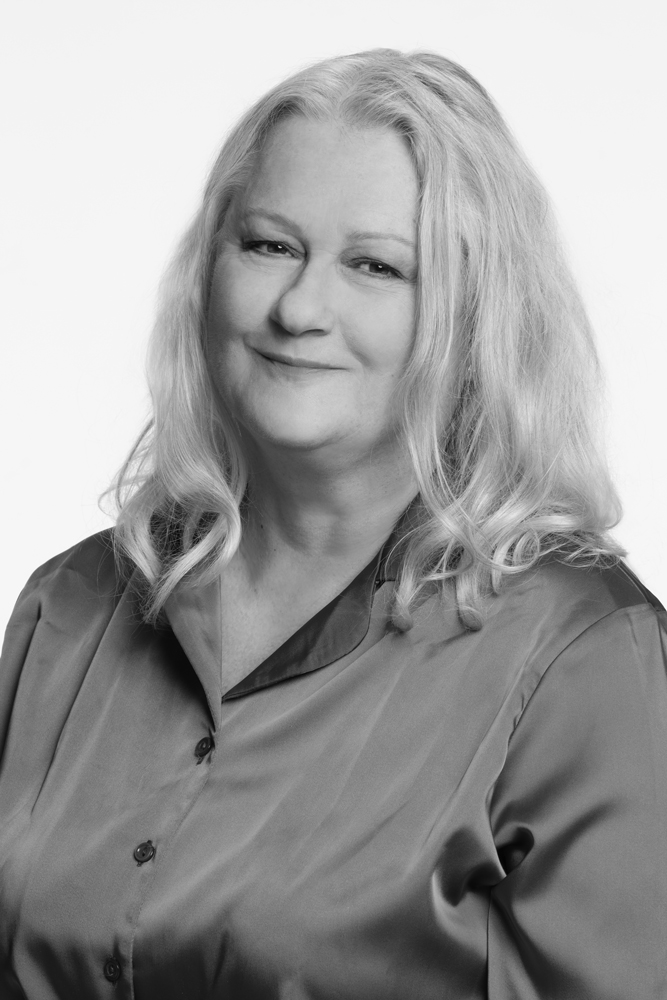
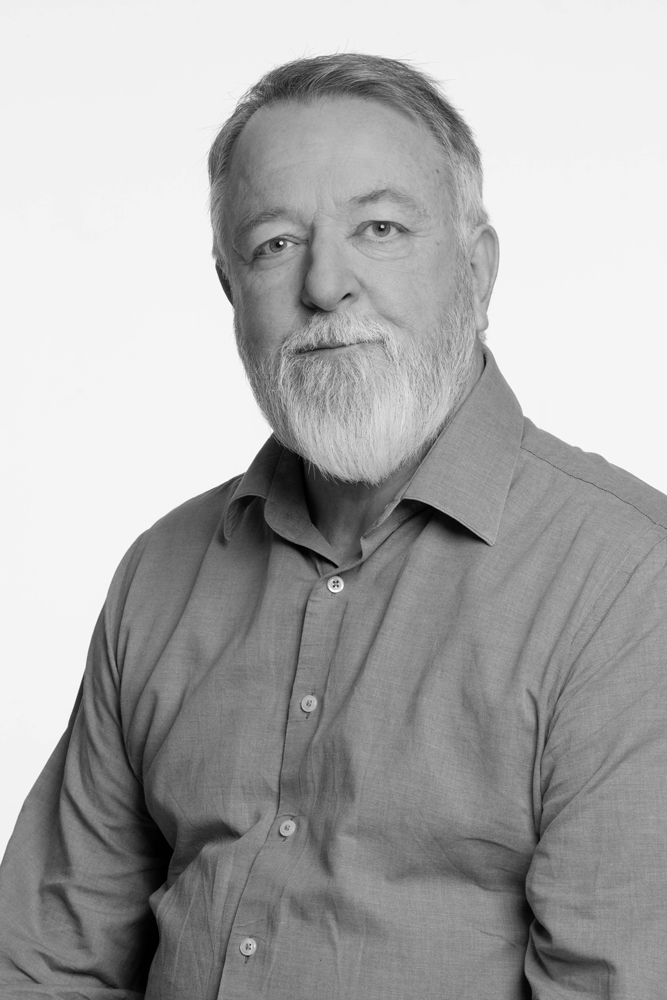
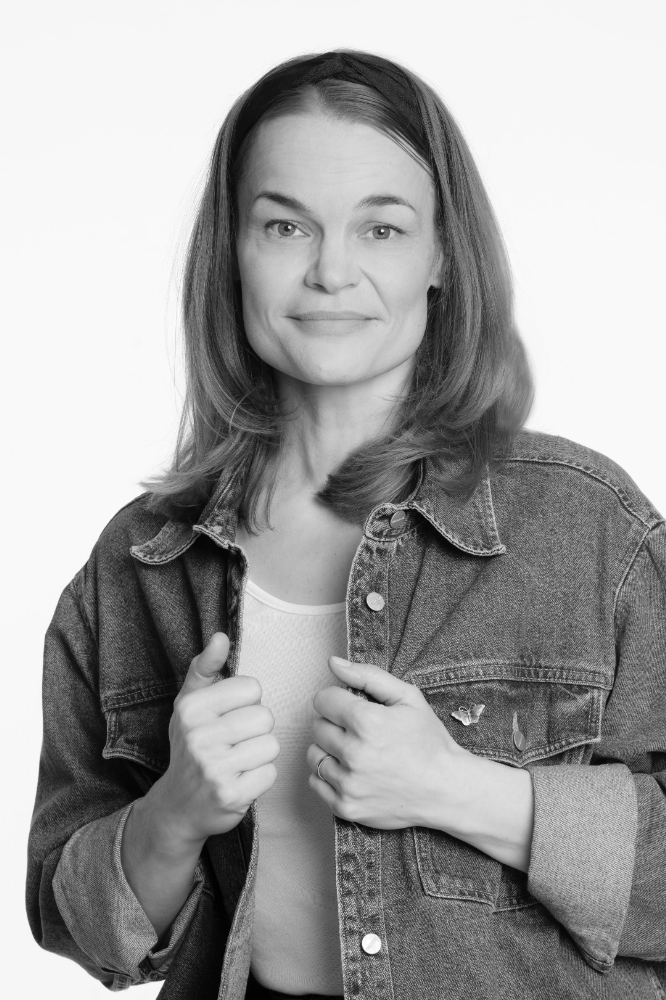
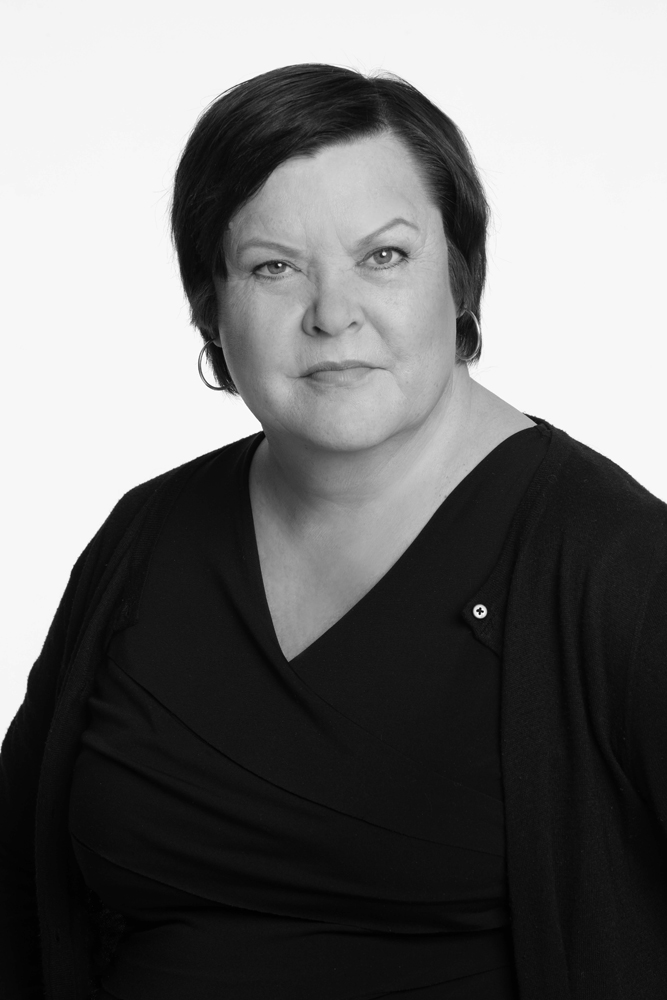
Stella Polariksen jäsenet: Näyttelijät: Teijo Eloranta, Sari Havas, Kirsti Kuosmanen, Antti Laukkarinen, Outi Mäenpää, Ushma Olava, Mikko Penttilä, Pihla Penttinen, Tiina Pirhonen, Annika Poijärvi, Mikael Rejström, Sari Siikander, Niina Sillanpää, Elina Stirkkinen, Miiko Toiviainen, Jussi Vatanen, Tobias Zilliacus. Muusikot: Jouni Kannisto, Topi Korhonen, Iiro Ollila, Hannu Risku.
Valosuunnittelijat: June Horton-White, Marianne Lagus, Ainu Palmu, Jari Piitulainen, Jyri Suominen.
Tulemme kun kutsutaan
Stella Polariksen esiintyjät ovat myös erittäin suosittuja kouluttajia ja luennoitsijoita. Kokeneet esiintyjät tekevät koulutuksesta hauskan, oivaltavan ja innostavan.
Mikäli etsit työyhteisösi tilaisuuteen osaavaa, viihdyttävää ja karismaattista vetäjää sinun kannattaa tutustua kouluttajiemme tarjontaan!